
Download VX Search – file search, search tool, file manager, file finder, search utility
Overview
VX Search is a powerful file search tool designed to help users quickly and efficiently locate files stored on their operating systems. Built for productivity-focused individuals and IT professionals, it addresses the common challenge of navigating large, disorganized file systems. Whether managing personal documents, media libraries, or enterprise-level data repositories, VX Search streamlines the process of retrieving specific files through advanced filtering and network integration.
Its core purpose is to reduce time spent searching by delivering precise results based on user-defined criteria. The app is particularly useful in environments where files are spread across multiple directories, external drives, or networked devices such as NAS systems. Target users include power users, system administrators, and anyone who frequently deals with large volumes of digital content.
While the developer, VX Search, did not provide additional background information, the app’s feature set suggests a focus on efficiency and technical precision. Real-world use cases include locating archived reports, identifying large files consuming disk space, or finding files modified within a specific timeframe. In the broader software ecosystem, VX Search fills a niche for robust, rule-based file discovery tools, offering a compelling alternative to built-in search functions on Windows platforms.
Key Features & Functionality
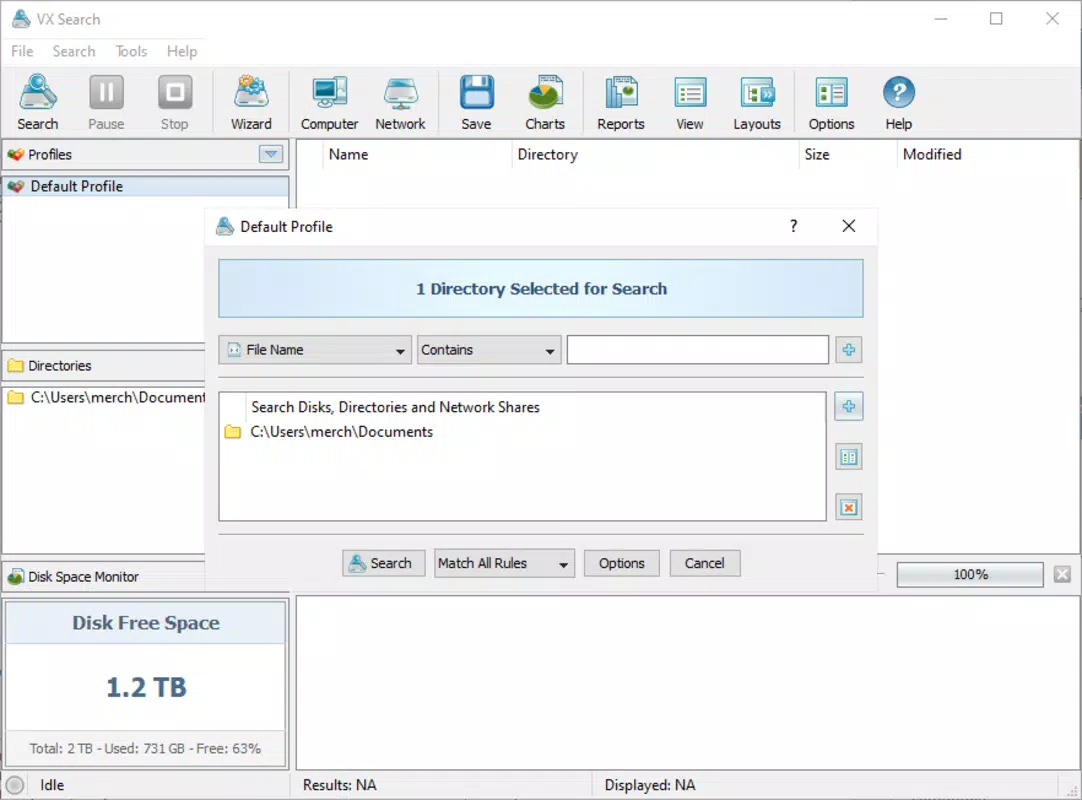
- Comprehensive Search Filters: Users can refine searches by file name, type, size, location, and creation or modification dates. This level of granularity ensures accurate results without manual sifting through irrelevant files.
- Network Scanning Capabilities: The tool automatically discovers network servers and NAS devices, enabling searches across multiple connected systems. This feature is ideal for locating shared resources in office or home network environments.
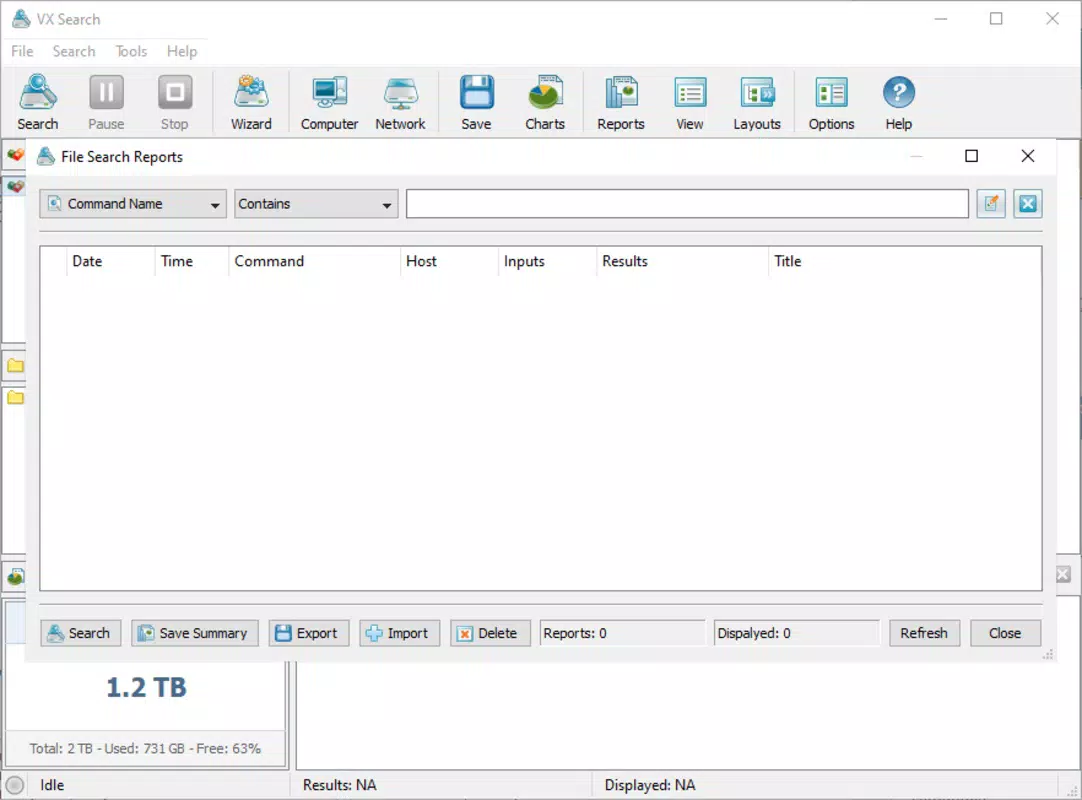
- Export Options: Search results can be exported in multiple formats, including HTML, PDF, Excel, XML, and CSV. This supports documentation, reporting, and data analysis workflows.
- User-Friendly Interface: Despite its advanced functionality, the interface is designed for intuitive navigation. Users can apply filters and initiate searches without requiring technical expertise.
- Rule-Based Search Engine: VX Search allows users to define custom search rules, enabling precise, repeatable searches tailored to specific needs. This functionality enhances consistency and reduces search-related errors.
For example, a system administrator could use the rule-based engine to identify all .log files larger than 100 MB created in the last 30 days across a network. A researcher might export a list of all image files modified in the past week to a CSV for further analysis. These real-world applications demonstrate how VX Search enhances both speed and accuracy in file retrieval.
Interface, UX & Performance
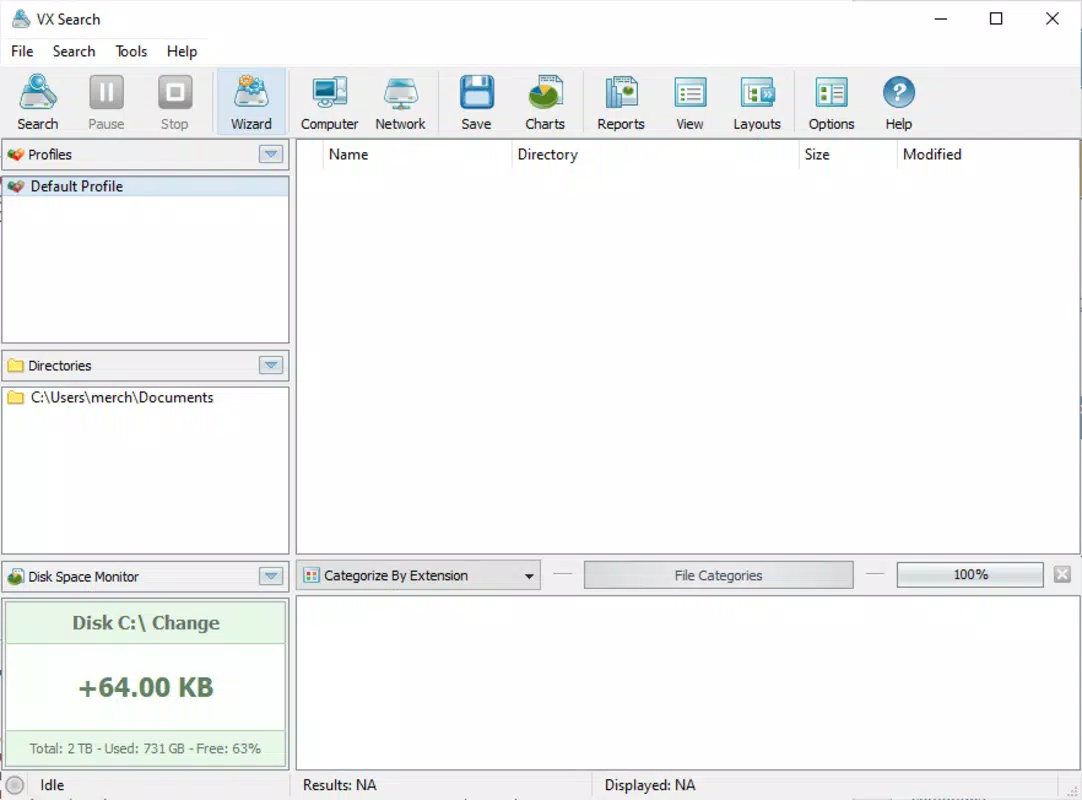
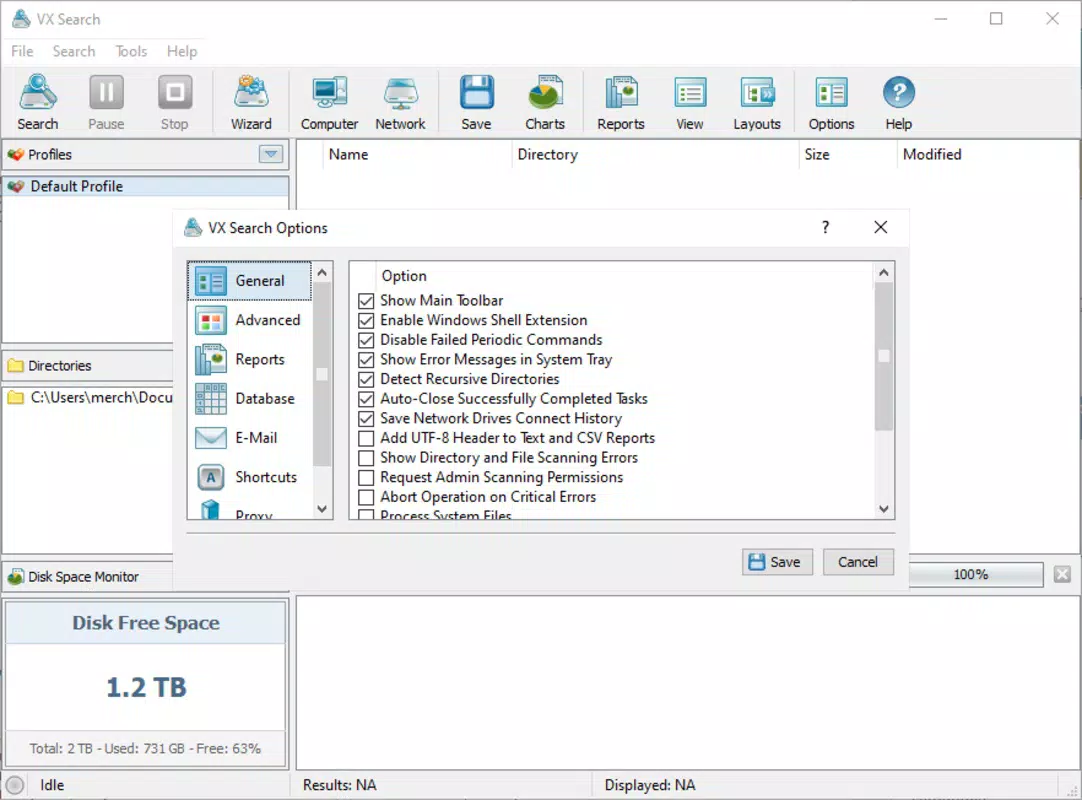
The user interface of VX Search is structured to prioritize functionality without sacrificing clarity. The layout organizes search parameters into logical sections, allowing users to set filters and initiate searches with minimal navigation. Visual cues and clear labeling support ease of use, particularly for those unfamiliar with advanced search tools.
Navigation is linear and consistent, reducing cognitive load during complex queries. The application maintains a responsive interface, ensuring smooth interaction even when processing large datasets or scanning multiple network locations. Although the developer did not list formal performance metrics, the app’s ability to handle extensive searches suggests optimized backend processing.
Stability appears to be a focus, as the tool manages long-running scans without apparent crashes or freezes. Performance across different device categories—such as desktops, workstations, and high-end laptops—was not explicitly documented. However, the compact file size of 10.4 MB indicates efficient resource usage.
Users can expect minimal impact on system performance during active use, making it suitable for continuous operation in professional workflows.
Platform Compatibility & Technical Requirements
VX Search is designed for the Windows platform and requires a compatible Windows operating system. The current version is 1.0.0, with a file size of 10.4 MB. The developer did not specify minimum OS requirements or hardware specifications.
As such, compatibility with specific Windows versions (e.g., Windows 10, 11) or processor architectures (e.g., x64) remains unclear. Users should ensure their system meets general Windows application requirements for optimal performance. The absence of detailed technical information means that installation and operation on older or low-resource systems cannot be confirmed.
For users seeking a lightweight, efficient tool for file discovery on Windows, VX Search presents a viable option, though full compatibility details are not publicly available.
Pros and Cons
Pros
- Advanced filtering options for precise file retrieval
- Network scanning for discovering shared drives and NAS devices
- Multiple export formats for flexible result sharing and analysis
- Intuitive interface suitable for both beginners and experienced users
- Rule-based system enables repeatable and customizable searches
Cons
- Price point of $29.99 may be high for casual users
- Developer did not provide detailed system or OS requirements
- Platform limited to Windows; no support for macOS or Linux
- File size is small, but performance on low-end systems is unverified
- No information on update frequency or future feature roadmap
FAQ
Is VX Search available for macOS or Linux?
The developer did not specify support for operating systems beyond Windows. Users should verify compatibility before installation.
Can I use VX Search to find large files on my hard drive?
Yes, VX Search includes size-based filtering, allowing users to identify files larger than a specified threshold, such as 100 MB or 1 GB.
Does VX Search require an internet connection?
While the app does not require an internet connection for local searches, network scanning features may need network access to detect shared resources.
Is VX Search secure to download and install?
As a tool designed for file system access, VX Search requires appropriate permissions. Users should download only from official sources to ensure security.
How often are updates released for VX Search?
The developer did not provide information on update frequency. Users are advised to check the official website for the latest version.
Final Thoughts
VX Search stands out as a robust, rule-based file search utility tailored for users who demand precision and efficiency in file management. Its combination of advanced filtering, network scanning, and versatile export options makes it a valuable tool in both personal and professional environments. While the $29.99 price tag may deter casual users, the app delivers tangible value for power users, IT professionals, and anyone managing large digital workloads.
The clean interface and logical workflow ensure a smooth learning curve, while the lack of detailed technical documentation is a minor drawback. For those seeking a reliable, high-performance search tool on Windows, VX Search offers a compelling solution. Download VX Search now


